Browse anywhere
Browse anywhere in the world
Planning a trip or curious about another city? Choose any location and NativeGrind shows you the grid for that area.
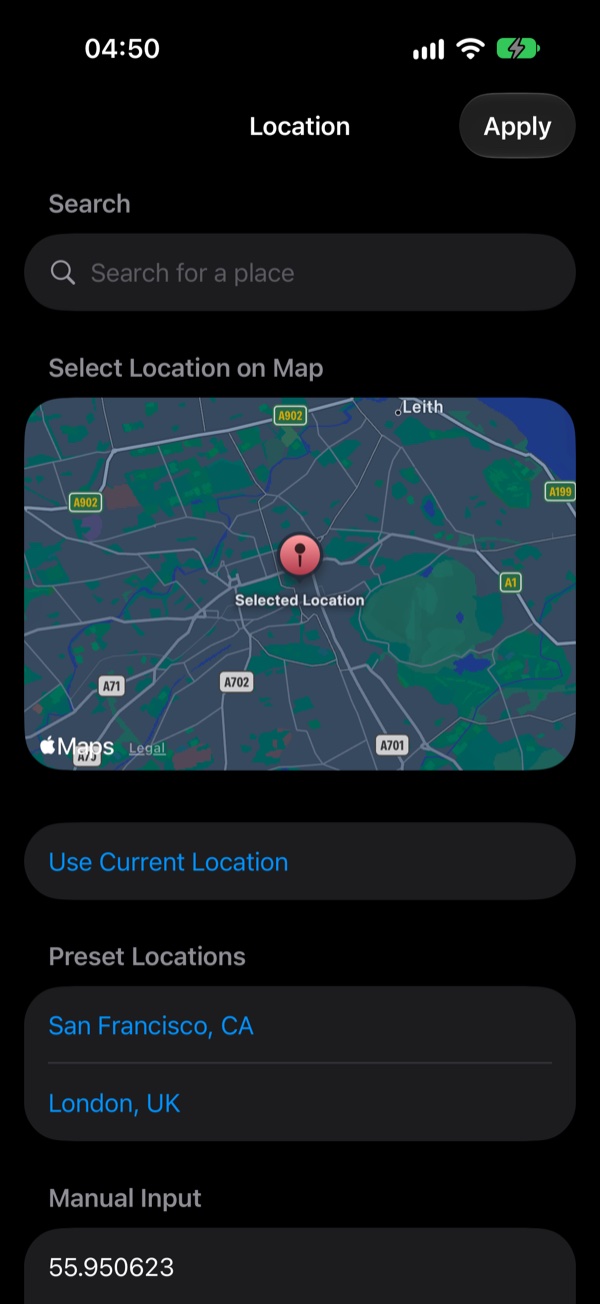
Pick a place however you like
Search for a city, neighbourhood or venue by name, tap a spot on the map, use your current location, or enter coordinates by hand.
What it changes
NativeGrind uses the location you choose to fetch the grid for that area. It doesn't edit the location settings on your profile. How the service itself treats the location it's given is up to the service.
Use it responsibly
Browsing somewhere you aren't can go against the service's terms and could affect your account, so you use it at your own risk. Don't use it to mislead or locate anyone.
How to choose a location
Open the Browse tab.
Tap the location button at the top of the grid.
Search for a place, tap a spot on the map, use your current location or enter coordinates.
Tap Apply. The grid reloads for the area you chose.