Open a profile by ID
Go straight to a profile
Know someone's profile ID? Open their profile directly instead of hunting for them in the grid.
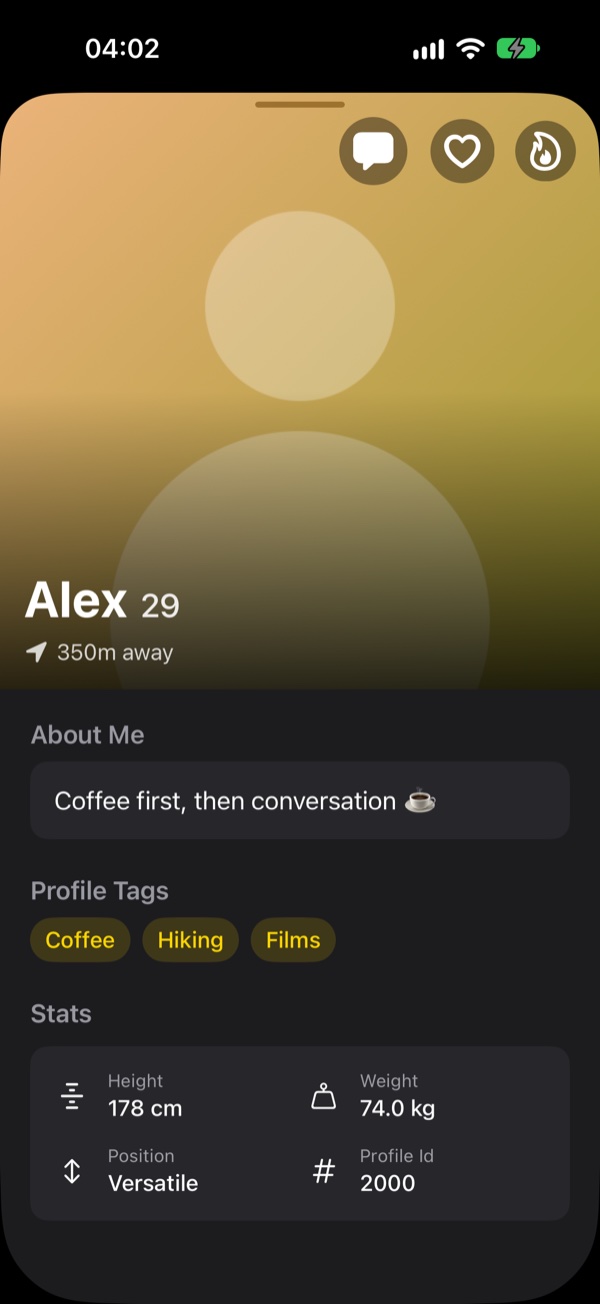
Find the ID
Every profile shows its profile ID in its stats. Tap it to copy it.
Open it anywhere
Paste or type the ID and the full profile opens, with the same photos, details and chat button as usual. What you can see still depends on the service and that person's settings.
How to open a profile by ID
Open the Browse tab.
Tap the search button at the top of the grid.
Enter the profile ID and tap Open.